
Surfshark provides encrypted VPN connections, privacy features, and unlimited simultaneous device connections under eligible subscriptions. Learn how its main security tools work and what cryptocurrency users should know.
Compare providers in our Best VPNs for Crypto Trading guide.
What Is Surfshark?
Surfshark is a virtual private network service that encrypts supported internet traffic between a device and a VPN server. It can reduce exposure of the user’s ordinary public IP address and provide additional privacy on supported networks.
For cryptocurrency users, Surfshark may provide network privacy when researching digital assets, using public Wi-Fi, or accessing permitted exchange services.
However, a VPN cannot guarantee anonymity, protect compromised cryptocurrency wallets, prevent trading losses, or override exchange restrictions.
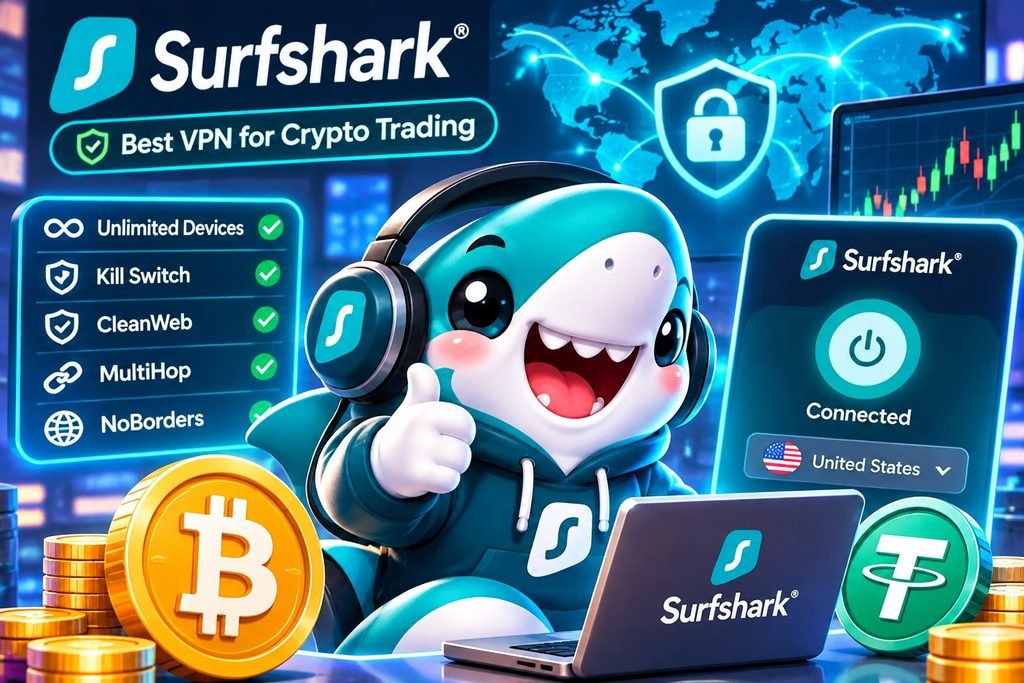
Surfshark Key Features
| Feature | Main Function |
|---|---|
| Unlimited Devices | Multiple simultaneous connections under eligible subscriptions. |
| WireGuard | Efficient encrypted VPN protocol. |
| Kill Switch | Restricts traffic during supported VPN interruptions. |
| CleanWeb | Filters selected advertisements, trackers, and malicious websites. |
| MultiHop | Routes traffic through two VPN servers. |
| Bypasser | Controls supported application routing. |
| NoBorders | Assists VPN connectivity on certain restrictive networks. |
| IP Rotator | Periodically changes supported VPN IP addresses. |
| Dedicated IP | Optional individual IP address service. |
Features vary by device, operating system, application version, and subscription package.
How Surfshark Protects Internet Connections
When connected, Surfshark routes supported traffic through an encrypted VPN tunnel. Websites generally see the VPN server’s public IP address instead of the user’s ordinary network address.
WireGuard provides efficient encrypted communication, while Kill Switch can restrict traffic when a VPN connection unexpectedly fails.
CleanWeb may help filter known malicious destinations, but it cannot prevent every phishing attack or verify cryptocurrency transactions.
MultiHop, Bypasser, and IP-related features provide additional connection controls. These tools do not guarantee anonymity or faster trading.
How to Set Up Surfshark
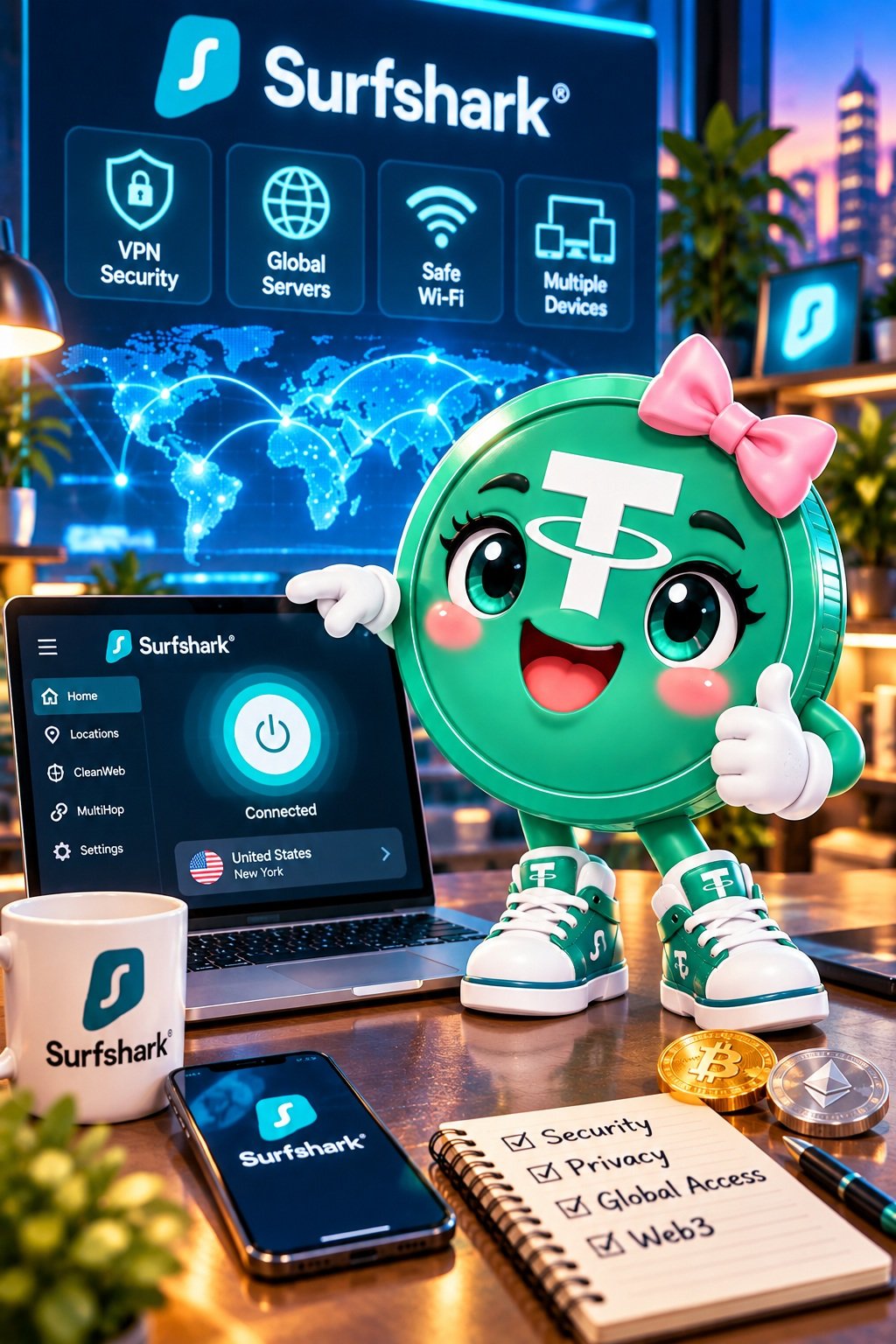
- Review available subscription plans and renewal conditions.
- Download the verified Surfshark application.
- Create an account and enable available multifactor authentication.
- Install the application on a supported device.
- Review WireGuard and Kill Switch settings.
- Connect to a permitted VPN server.
- Verify the connection, public IP address, and DNS behavior.
- Confirm that financial platforms permit the intended connection.
Surfshark supports major desktop and mobile platforms. Available features and settings may differ between Windows, macOS, Android, and iOS.
Surfshark and Cryptocurrency Exchanges
Cryptocurrency exchanges maintain independent identity verification, account security, and geographic eligibility requirements.
Surfshark may provide additional network privacy, but it cannot override these requirements.
- Binance: Regional eligibility and account restrictions apply.
- Coinbase: Network changes may trigger additional verification.
- Bybit: Some services are restricted by jurisdiction.
- Bitget: Account access remains subject to platform policies.
- MEXC and Gate.io: Availability and connection rules vary by region.
A VPN disconnection does not cancel open orders or prevent leveraged trading losses.
Explore our Best Crypto Exchanges Compared guide.
Surfshark and Cryptocurrency Wallet Security
VPN services protect selected network communications, while cryptocurrency wallets manage credentials used to authorize blockchain transactions.
Surfshark cannot recover lost private keys, reverse blockchain transfers, prevent every malicious wallet signature, or guarantee smart contract security.
Users should protect recovery phrases, verify transaction requests, and enable appropriate account authentication independently of VPN protection.
Learn more in How to Choose a Crypto Wallet.
Surfshark Advantages and Limitations
| Potential Advantages | Important Limitations |
|---|---|
| Encrypted VPN connections | No guarantee of anonymity |
| Unlimited device connections | Performance varies by device |
| WireGuard protocol | No guaranteed trading speed improvement |
| CleanWeb filtering | Cannot prevent every phishing attack |
| Kill Switch | May interrupt network access |
| MultiHop and Bypasser | Additional configuration complexity |
| Optional Dedicated IP | Additional charges may apply |
Surfshark Subscription Plans
Surfshark offers VPN and cybersecurity subscriptions with different billing periods and included features. Packages have included names such as Starter, One, and One+.
Before subscribing, verify the current package features, supported devices, full checkout amount, renewal price, cancellation conditions, and refund eligibility.
No exclusive CryptoWikiHub Surfshark discount or verified affiliate offer is currently claimed.

Frequently Asked Questions About Surfshark
What is Surfshark used for?
Surfshark provides encrypted VPN connections and additional online privacy tools.
Does Surfshark allow unlimited devices?
Eligible consumer subscriptions support unlimited simultaneous connections, subject to applicable service terms.
Can Surfshark make crypto trading faster?
Not necessarily. VPN performance depends on network conditions, server routing, and device configuration.
What is Surfshark CleanWeb?
CleanWeb filters selected advertisements, trackers, and known malicious destinations.
What is MultiHop?
MultiHop routes supported traffic through two VPN servers for additional routing separation.
Does Surfshark have a Kill Switch?
Yes. Supported applications provide connection interruption controls, although behavior varies by platform.
Can Surfshark protect cryptocurrency wallets?
It may provide network privacy benefits but cannot independently protect compromised private keys or prevent malicious transactions.
Can Surfshark bypass exchange restrictions?
No. VPN use does not change legal residence or authorize access to restricted financial services.
Does Surfshark guarantee anonymity?
No. Account logins, cookies, browser identifiers, and other tracking methods may still identify users.
Is Surfshark better than NordVPN or ExpressVPN?
No VPN provider is universally superior. Suitability depends on privacy requirements, device compatibility, features, and subscription costs.
Key Takeaways
- Surfshark provides encrypted VPN connections on supported devices.
- Unlimited simultaneous connections are available under eligible subscription terms.
- WireGuard, Kill Switch, CleanWeb, and MultiHop address different privacy needs.
- Connection speed depends on network conditions.
- Cryptocurrency exchanges maintain independent geographic restrictions.
- VPN services cannot prevent cryptocurrency losses or guarantee wallet security.
- Subscription pricing and renewal terms should be verified before purchasing.
Related CryptoWikiHub Guides
- Best VPNs for Crypto Trading
- NordVPN for Crypto Trading
- ExpressVPN for Crypto Trading
- Best Crypto Exchanges Compared
- Best Crypto Hardware Wallets
Affiliate, Illustration and Legal Disclaimer
Affiliate Disclosure: CryptoWikiHub may participate in affiliate programs involving VPN services. No verified Surfshark affiliate tracking link or exclusive promotional benefit is claimed in this article. Any future affiliate relationship will be disclosed.
AI Illustration Notice: The three illustrations are AI-generated CryptoWikiHub educational artwork featuring fictional cryptocurrency mascots. They are not official Surfshark advertisements, verified application screenshots, or independent security assessments. Trademarks belong to their respective owners.
Privacy and Security: Surfshark may provide additional network privacy but cannot guarantee anonymity, uninterrupted connectivity, protection against every cyberattack, or complete cryptocurrency wallet security.
Legal and Regional Restrictions: VPN use does not authorize access to restricted cryptocurrency exchanges or bypass identity verification requirements. Users must comply with applicable laws, regulations, and platform terms.
Disclaimer: This content is for educational and informational purposes only and does not constitute financial, investment, legal, or personalized cybersecurity advice. Cryptocurrency activities involve substantial financial and security risks. Product features, prices, and subscription conditions may change. Readers should independently verify current information before purchasing.